


NutriWeigh Pro
Cosori Smart Food Kitchen Scale with Nutritional Calculator
Cosori Smart Food Kitchen Scale with Nutritional Calculator
Couldn't load pickup availability
Product Description
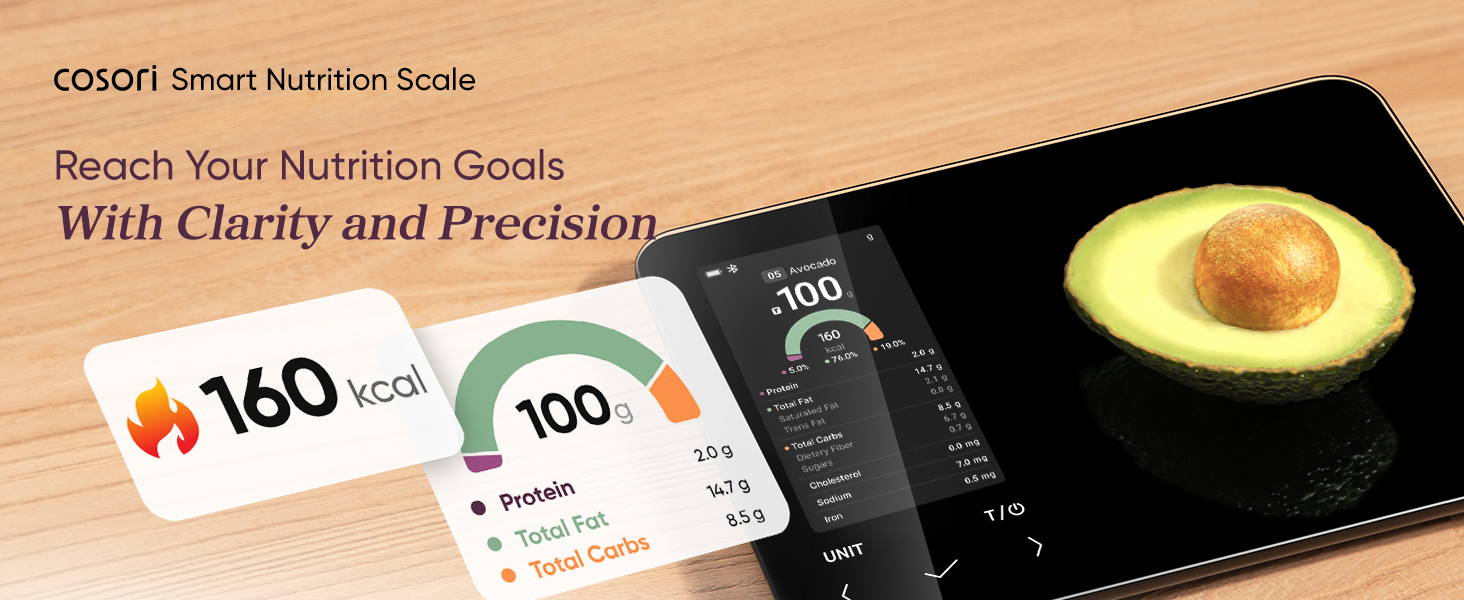
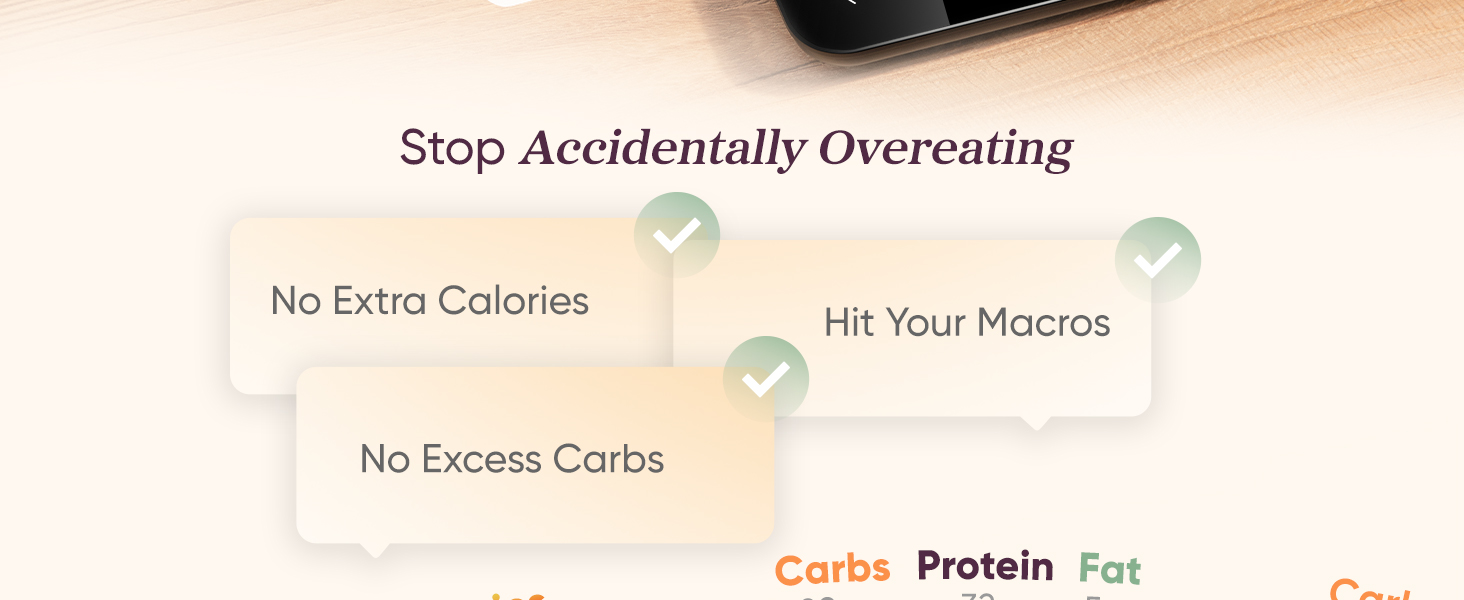
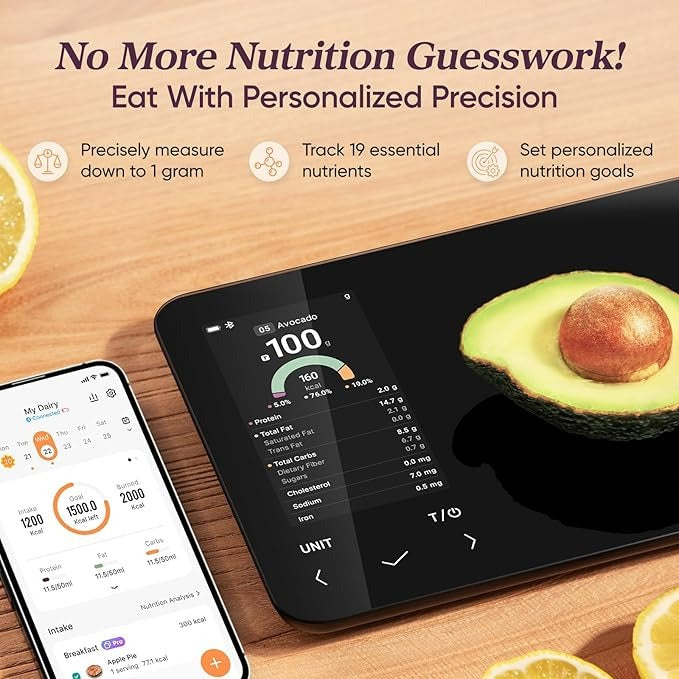
The Cosori Nutrilens Smart Nutrition Scale is designed to help users precisely control their nutritional intake. Ideal for dieting, bodybuilding, and eating right. You can accurately weigh your meal’s calories, protein, carbs, and fat to reach your goals. Free* app for AI scan, calorie & macro tracking, food preload, on-screen nutrient info, personal goals, rechargeable
Specifications:
Weight Capacity: 176.4 oz / 11 lb / 5,000 g / 5,000 mL
Units: oz / lb:oz / g / mL / fl oz
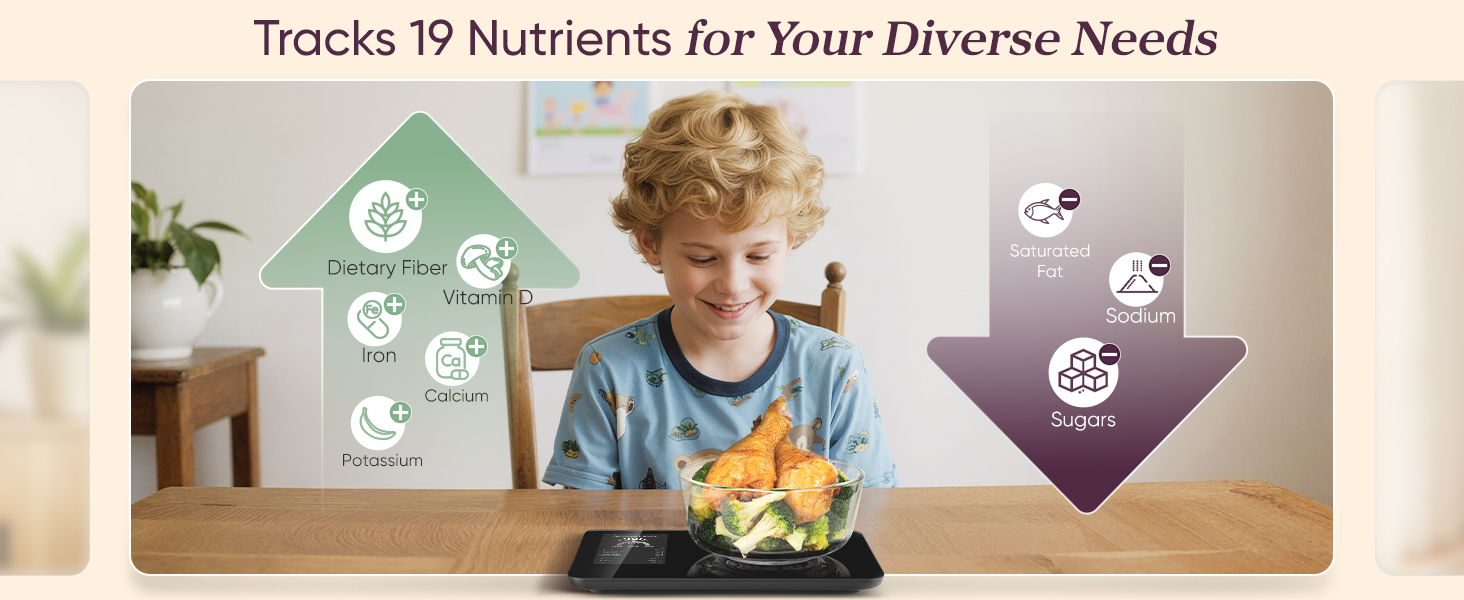
Data: 19 essential nutrients
Buttons: Power/Tare, Unit, Confirm, Left/Right Selection
Increments: 0.1 oz / 1 g / 1 mL
Dimensions: 9.2 x 6.0 x 0.8 in / 23.4 x 15.2 x 2.0 cm
Battery: 800mAh Li-ion Rechargeable Battery
Package Contents:
1 x Smart Nutrition Scale
1 x Quick Start Guide
1 x USB-C charging cable
1 x User Manual






Charge & Power On
- Plug it into any USB charger (it’s rechargeable).
- Press the power button to turn it on.
- Wait a few seconds for it to calibrate.
Download the Free App
👉 VeSync (Cosori’s official app)
This unlocks all AI scanning, macro tracking, and nutritional to
Pair the Scale to Your Phone (Bluetooth)
- Open the VeSync app.
- Tap “Add Device”
- Select “Kitchen Scale” → choose your
- Cosori model.
- Make sure Bluetooth is ON.
- The scale will connect automatically.
Use the AI Scan or Food Database
A. AI Smart Scan
- Open the camera inside the app
- Point it at your food (example: banana, chicken breast, rice)
- The app identifies it & loads the nutrition panel automatically
B. Search Manually
- Tap Food Database
- Type the food name
- Select portion or scan the barcode (if available)
Use “Food Preload" Feature
Perfect for meal prep.
- Preload your usual ingredients
- Save them as presets in the app
- Next time, just tap 1 button to load nutrition instantly
Track Your Daily Nutrition
Inside the app, you can:
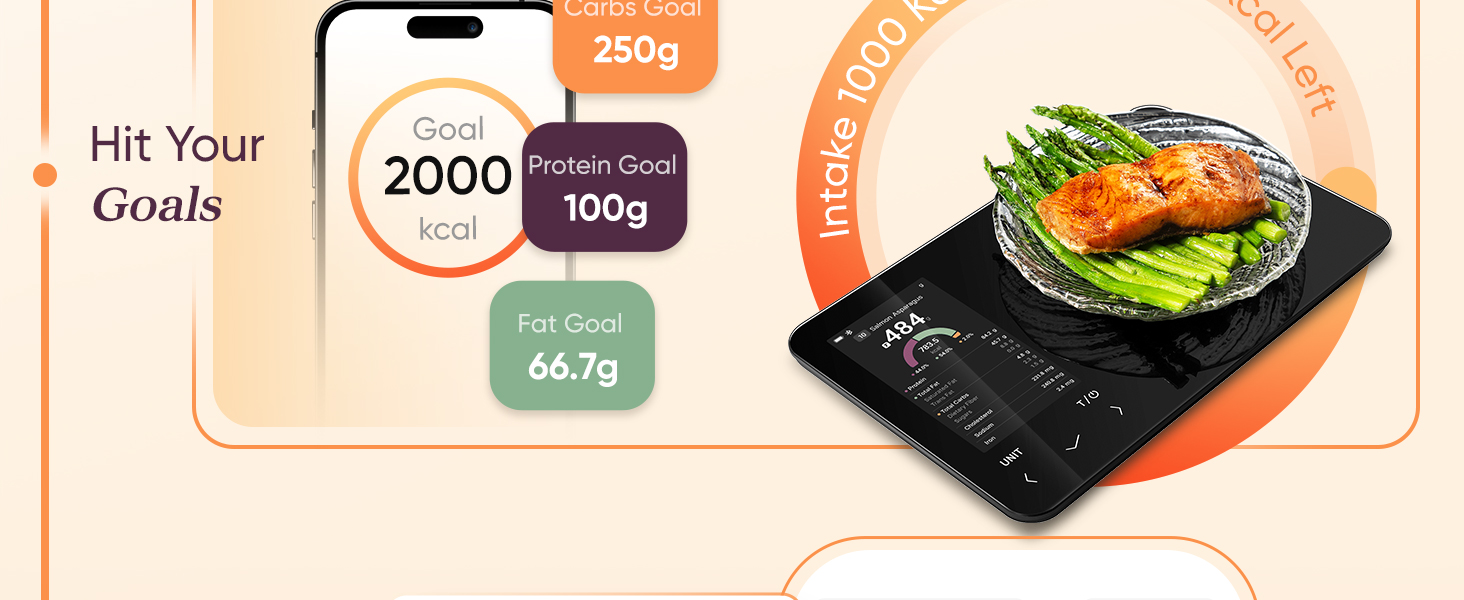
- Set personal goals
- Track calories
- Track macros (P/F/C)
- Monitor weekly progress
- View trends and charts
Great for dieting, bulking, calorie deficit, or Keto.